


A homeowner with a burst pipe does not wait around for a callback. She fills out the contact form on your website, then does the same thing on the site of the plumbing company down the road, and probably a third one for good measure. Whoever calls back first usually gets the job.
This is the reality most plumbing, HVAC, and roofing companies are up against, and it has very little to do with price or reputation. It comes down to what happens in the minutes after someone submits a form on your site. For most contractor websites, the answer is nothing, at least not until someone opens the inbox.
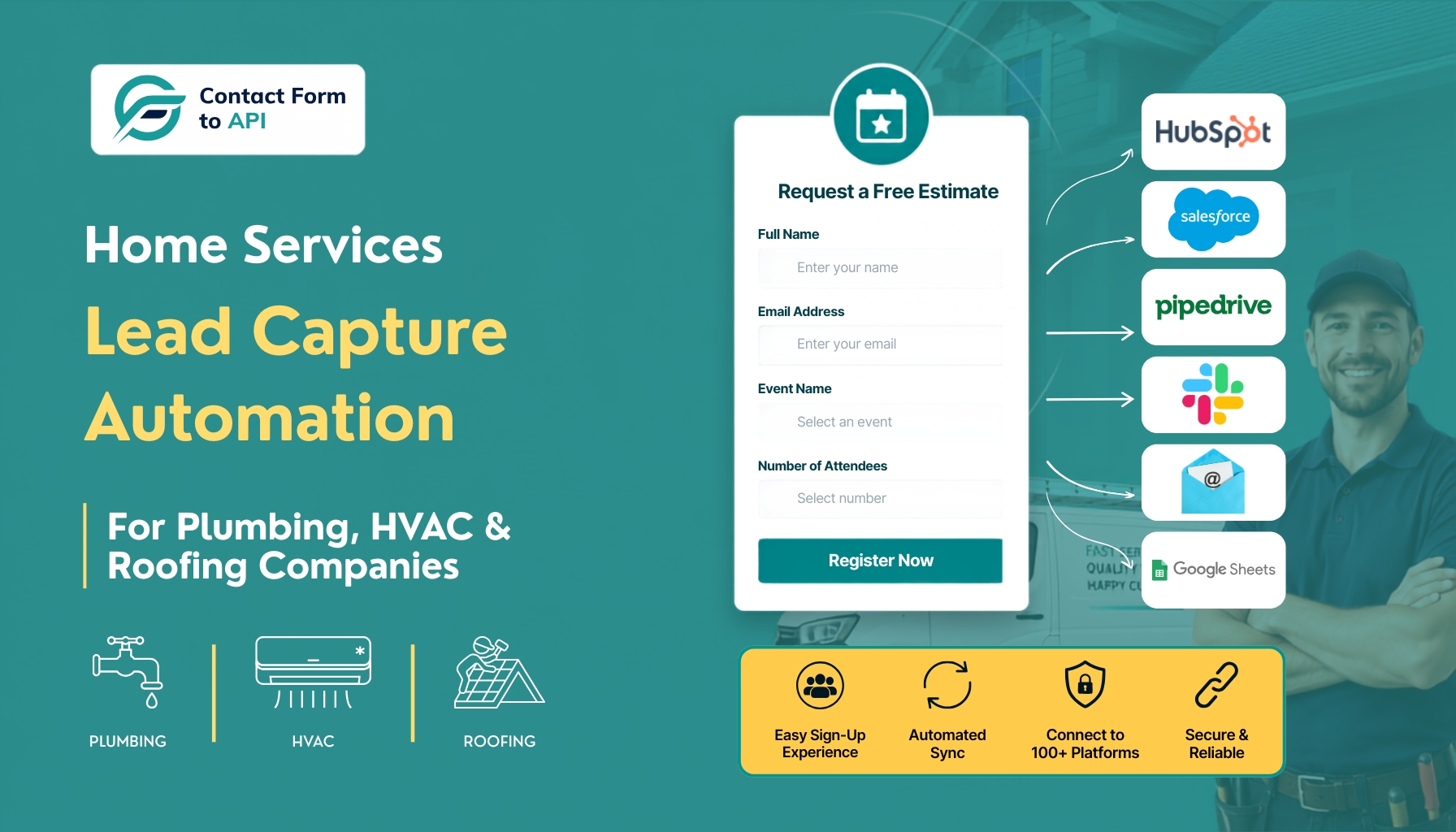
Home services lead capture automation closes that gap. Instead of a form submission sitting unread in an email account, the lead moves straight into a CRM, a text alert, or a notification your team actually sees in time to act. For WordPress-based contractor sites, this does not require replacing your website or signing up for an enterprise platform. It requires connecting the tools you already have.
This guide covers why contractor leads go cold, what proper form routing looks like for plumbing, HVAC, and roofing companies specifically, and how to build the connection yourself using Contact Form to API.
Why Home Services Companies Lose Leads Before They Ever Answer the Phone
Speed matters more than most contractors realize. Research on lead response time, frequently cited in contractor marketing studies, shows that businesses responding to a new inquiry within five minutes are roughly 10 times more likely to close the job compared to those who wait an hour. For leads that come in after hours, the gap widens further. Automated workflows that respond within 60 seconds produce a 10 to 21 times improvement in after-hours contact rates compared to a callback the next morning.
Picture the situations these numbers represent. A burst pipe floods a kitchen at 11 p.m. An air conditioner stops working in the middle of a July heat wave. A homeowner walks outside after a storm and finds shingles scattered across the lawn. In none of these moments is the homeowner comparison shopping out of curiosity. She needs someone now, and she is contacting more than one company at once.
Most contractor websites lose these leads not because the technology is complicated, but because it never gets set up. A form submission goes to an inbox. Nobody sees it until morning. By then, the emergency has already gone to whoever called back first. This is exactly the gap home services lead capture automation is meant to close.
Speed alone will not close a job, and it is worth being honest about that. A fast notification still needs a human on the other end, someone who picks up the phone and gets a truck moving. Automation cannot replace that conversation. What it can do is make sure the conversation happens while the lead is still warm, instead of after it has gone to a competitor.
The Problem with Most Lead Capture Setups on Contractor Websites
Most plumbing, HVAC, and roofing websites already have a contact form. That is rarely the problem. The problem is what happens after someone clicks submit.
On a typical contractor site, that form triggers one thing, an email notification. The message lands in an inbox, often a shared one like [email protected], and it sits there until someone opens it. There is no priority routing, no automatic CRM entry, and no alert on anyone’s phone. A homeowner fills out the form, an email arrives, the office manager reads it the next morning, and by then the lead has gone cold.
Compare that to what automated routing looks like. A homeowner submits the same form. Within seconds, an API call fires in the background. A CRM record gets created automatically. A text alert goes to the owner’s phone, and a confirmation email goes to the homeowner. All of this happens inside a minute, without anyone touching the inbox.
The gap between these two workflows is less a technology problem than an awareness problem. WordPress runs the majority of small contractor websites, and there is still no built-in, native way to route form submissions anywhere useful. The form plugin sends an email and stops there.
This is where contractor website lead capture setups tend to break down. A company can have a well-designed site, strong reviews, and competitive pricing, and still lose jobs because nobody connected the form to anything that could act on it in real time. Most home services lead capture automation efforts fail for this exact reason, not a lack of tools, but a missing connection between two systems that were never linked in the first place.
To be fair, not every contractor needs the same fix. A company juggling a high volume of leads across multiple crews, with dispatch scheduling and a dedicated office team, may already need something closer to a full field service platform than a single plugin. For a solo plumber or a five-person HVAC crew, though, the fix is usually simpler than it looks.
How Contact Form to API Fills the Gap for WordPress Contractor Sites
For WordPress-based contractor sites, contractor lead capture form automation usually comes down to one missing connection, not a missing tool. Contact Form to API is a WordPress plugin built to connect Contact Form 7 submissions to an outside destination, whether that is a CRM, a webhook, or another system entirely. It runs inside the WordPress dashboard, so setting up a standard connection does not require writing code.
When a homeowner submits an inquiry through a Contact Form 7 form on a plumbing, HVAC, or roofing site, Contact Form to API can send that submission to a CRM’s API endpoint, a Slack or SMS webhook, an email marketing platform, or a custom internal system. The plugin also keeps a local log of submissions, so you can confirm data actually reached its destination instead of guessing.
Contact Form to API does not include a built-in CRM. It does not send SMS messages on its own, it connects to a service that does. It does not qualify leads, assign them to technicians, or manage a dispatch schedule. What it does is sit between the form and whatever system a company wants that data to reach, moving it there automatically instead of leaving it in an inbox.
That distinction matters. A contractor who installs this plugin expecting it to replace a CRM or a follow-up system will be disappointed. A contractor who installs it to stop losing leads to an unread inbox, and who already has, or is willing to set up, a destination for that data, gets exactly what the name promises. It is a connector, not a full lead management system, and treating it as anything more sets the wrong expectation from the start.
Trade-Specific Setup: Plumbing, HVAC, and Roofing Form Routing
The trade-specific side of home services lead capture automation looks a little different for each of these three businesses. What works for a roofing inquiry does not necessarily fit a plumbing emergency, and treating all three the same way wastes the advantage that automation is supposed to provide. The setups below are a starting point, not a rigid template. Every company’s ideal routing will depend on team size, existing CRM, and how leads currently get handled.
Plumbing
An emergency call and a routine drain cleaning request are not the same lead, and they should not be routed the same way. A burst pipe at midnight needs to reach someone’s phone immediately. A water heater inspection request can sit in a queue until morning.
A useful plumbing form includes an issue type field (emergency or routine), the property address, a preferred contact time, and a short problem description. With Contact Form to API, the emergency field becomes the trigger. Mark a submission as emergency, and the plugin can route it straight to a webhook that sends an SMS alert to the owner’s phone. Mark it routine, and it goes into the standard CRM queue instead. Field-based routing like this sits at the center of most effective plumbing lead management tools.
HVAC
HVAC demand is seasonal in a way plumbing and roofing are not. Response speed matters most during the two windows when call volume spikes, peak summer heat and the coldest weeks of winter. A quote request that takes a day to answer in March might not cost you the job. The same delay in July usually will.
A solid HVAC quote form separates service type (installation, repair, or maintenance), system age, and property type. New installation inquiries are sales opportunities and should route to whoever handles estimates. Repair requests need to reach dispatch directly. Maintenance requests can go into an automated scheduling follow-up instead. HVAC website quote form automation built this way just needs a form that asks the right questions and a routing rule that acts on the answers.
Roofing
Roofing leads rarely arrive one at a time. A hailstorm rolls through a neighborhood, and within hours a dozen homeowners are filling out the same inquiry form across different roofing websites. Manual inbox handling cannot keep pace with that kind of surge.
A roofing form should capture damage type (storm, leak, or inspection), insurance claim status, and a contact preference. Storm-related leads with an insurance claim attached carry the highest priority and should route to an estimator queue immediately. General inspection requests can go through a standard queue. Roofing lead capture automation built this way turns a post-storm surge into an organized list instead of forty unread emails.
None of these field recommendations are one-size-fits-all. They are a starting point a developer or office manager can adjust based on the CRM already in place.
Step-by-Step: Connecting Your WordPress Contact Form to a Lead Destination
Building home services lead capture automation on a WordPress site is mostly a matter of connecting tools you already have. It is not difficult, but a few pieces are worth understanding before you start.
Step 1 – Sign in to your CRM or application
Log in to the platform you want to connect with Contact Form 7 and make sure you have access to its API documentation or developer settings.
Step 2 – Create a new API integration
In your WordPress dashboard, open your Contact Form 7 API integration plugin and create a new integration. Give it a descriptive name so it’s easy to identify later.
Step 3 – Get the API endpoint
Locate the API endpoint provided by your CRM or application. This endpoint determines where Contact Form 7 submissions will be sent. This step involves some homework. Decide where you want the lead to go, a CRM with a public API such as HubSpot, Zoho, or Pipedrive, a webhook-based tool such as Slack or a Zapier webhook, or a spreadsheet endpoint through something like Google Sheets via Apps Script. Whatever you choose, you will need the API endpoint URL and authentication details, usually an API key or a bearer token.
Step 4 – Configure the endpoint in WordPress
Paste the API endpoint URL into the integration settings. This establishes the destination for your form submissions.
Step 5 – Add authentication details
Configure the required authentication, such as API keys, bearer tokens, or custom request headers, based on your application’s API requirements.
Step 6 – Select the Contact Form 7 form
Choose the Contact Form 7 form you want to connect. Any existing contact, lead generation, inquiry, or support form can typically be used.
Step 7 – Map form fields
Match your Contact Form 7 fields with the corresponding fields expected by the destination application. Proper field mapping ensures the submitted data is stored correctly.
Step 8 – Save the integration
Review your configuration and save the integration before testing it.
Step 9 – Submit a test form
Complete and submit the selected Contact Form 7 form to verify that data is sent successfully to the connected application.
Step 10 – Verify the integration
Check the API logs and confirm that the submitted data appears correctly in your CRM or application. If necessary, review any errors and update your configuration before going live.
Step 3 is the part that trips people up, since it assumes you already know your CRM’s API endpoint. That is not a zero-technical-knowledge task, but a WordPress developer or your CRM’s support team can usually provide it within a few minutes. For a developer already comfortable with these tools, a standard connection typically takes 30 to 90 minutes to set up, though complex mappings can take longer.
If your CRM does not offer a public API at all, route the submission to a Zapier webhook first, then let Zapier hand it off to your CRM. It adds one extra step, but it works with almost any CRM, which makes it a reasonable fallback for a contractor CRM with form integration that would otherwise be out of reach.
For a full field-by-field walkthrough, there is a dedicated post on how to integrate Contact Form 7 with an API.
When a WordPress Plugin Is the Right Choice, and When It Isn’t
Contact Form to API solves a specific problem, getting form data out of an inbox and into a system that can act on it. It is not the only way to automate lead capture, and it is not the right fit for every contractor. The real question is how much complexity your lead volume actually justifies.
Here is a simple side-by-side:
| Contact Form to API | Dedicated Field Service Platform | |
|---|---|---|
| Setup cost | Free to low, plugin-based | Often includes onboarding fees |
| Monthly cost | Free or low-cost tiers, see current Contact Form to API pricing | Typically $150 to $500+ per month |
| WordPress-native | Yes | No, usually a separate hosted system |
| Requires a developer | For initial setup, minimal ongoing need | Often requires platform-specific training |
| CRM included | No, connects to your existing CRM | Yes, built in |
| SMS automation included | No, requires a webhook to an SMS tool | Often included natively |
| Form-to-API routing | Yes, this is the core function | Usually included as part of a larger suite |
A contractor running more than 100 jobs a month with a dispatch team is not the audience for a single plugin, no matter how well it is configured. That company needs the scheduling, invoicing, and coordination a full platform provides, and stitching that together with a form plugin and a handful of webhooks would create more work than it saves. For everyone else, especially a small plumbing, HVAC, or roofing business trying to stop losing leads to a slow inbox, this is a lighter and cheaper way to get the same result.
Read about more automation that can be done with Contact Form to API, no matter what your business is.
→ Build Event Registration and Sync Sign-Ups to Any Platform
→ Convert Hotel Booking Enquiries into PMS Leads Automatically
The Bottom Line for WordPress-Based Contractor Sites
None of this fixes a business that ignores its leads once they arrive. Automation gets the notification to the right person fast. What happens after that call still depends on someone picking up the phone and getting a truck or a technician moving. That part has not changed and probably never will.
What has changed is how much of the routing work a contractor has to do by hand. A plumbing company does not need an enterprise platform to stop losing burst-pipe calls to a competitor who answered first. An HVAC contractor does not need to overhaul its website during the busiest month of summer just to get quote requests routed properly. A roofing company facing a post-storm surge does not need to hire someone to sort through forty emails by hand.
For a WordPress site already running Contact Form 7, home services lead capture automation usually comes down to connecting pieces that already exist, the form, the CRM, the phone in someone’s pocket, rather than replacing any of them. Contact Form to API handles that connection. Getting the routing logic right for your trade, your team size, and your lead volume is still worth thinking through carefully, and it is worth revisiting as the business grows past what a single plugin can reasonably handle.
You might also like to read
10 Client Site Workflows WordPress Agencies Automate with Contact Form To API
Frequently Asked Questions
1. How can plumbing, HVAC, and roofing companies capture leads faster from their WordPress website?
The fastest way is to automate what happens after a customer submits your contact form. Instead of relying only on email notifications, Contact Form to API sends Contact Form 7 submissions directly to your CRM, webhook, or another business application in real time. This helps your team respond faster and reduces the chance of losing leads to competitors.
2. What is the best way to connect Contact Form 7 with a CRM for lead management?
A dedicated integration plugin is usually the simplest approach. Contact Form to API connects Contact Form 7 with CRM platforms, custom APIs, and other business tools without requiring you to build custom integrations from scratch. Once configured, every form submission is automatically delivered to the destination you choose.
3. Can Contact Form 7 automatically send contractor leads to different systems?
Yes. With Contact Form to API, Contact Form 7 submissions can be routed to CRMs, webhooks, internal applications, marketing platforms, or other API-enabled systems. This allows plumbing, HVAC, and roofing businesses to automate lead routing instead of manually copying information from emails.
4. Why use Contact Form to API instead of relying on email notifications?
Email notifications are useful, but they are easy to miss or delay. Contact Form to API automatically forwards form submissions to the systems your business already uses, helping your team act on new inquiries immediately. The plugin also provides API logs so you can verify whether submissions were delivered successfully.
5. Is Contact Form to API suitable for small home service businesses?
Yes. Contact Form to API is a practical solution for small and growing plumbing, HVAC, and roofing companies that use WordPress and Contact Form 7. It lets businesses automate lead delivery without investing in an expensive field service platform, while still connecting with the CRM or workflow they already use.
6. Can Contact Form to API work with applications other than CRMs?
Absolutely. Contact Form to API can send Contact Form 7 submissions to virtually any application that accepts API requests or webhooks. That includes CRM software, internal business systems, notification services, automation platforms, spreadsheets, and many other tools, making it a flexible option for businesses that want to automate lead capture and follow-up.


